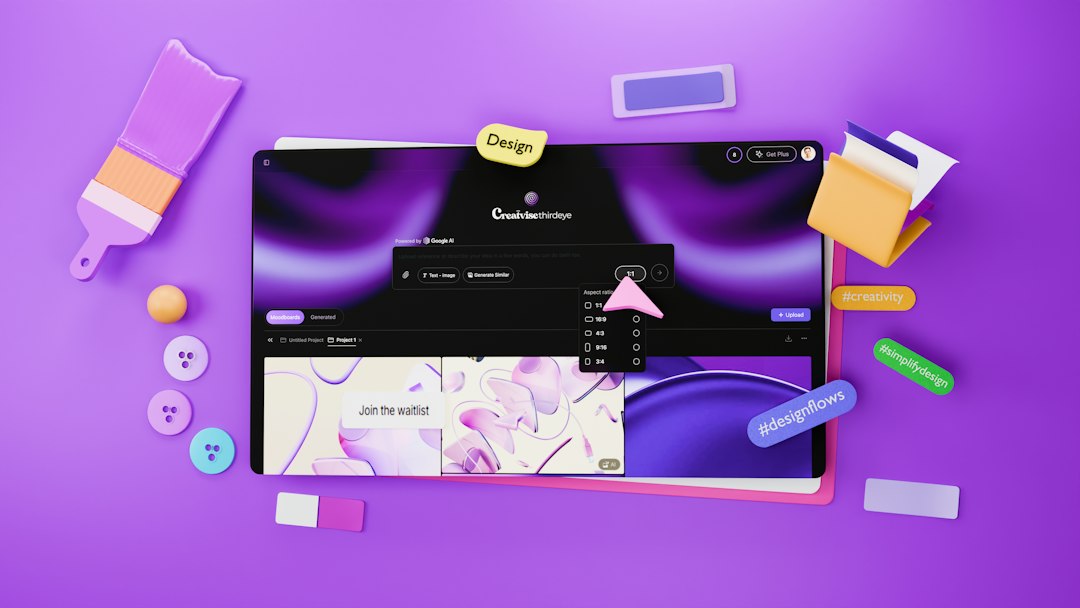
In the fast-paced world of graphic design, having the right tools can make all the difference. Inspire Toolkit Pro is an eCommerce platform that specializes in providing top-notch graphic design tools to help both budding and seasoned designers elevate their work. With a wide array of products designed to inspire creativity and streamline the design process, this platform is a treasure trove for anyone looking to enhance their design toolkit.
Understanding the Essentials
Before diving into the vast offerings of Inspire Toolkit Pro, it’s crucial to understand what makes a graphic design tool essential. The right tools not only improve efficiency but also enhance creativity, allowing designers to bring their visions to life. From software to physical tools, each item plays a significant role in the design process, and knowing which ones to invest in can set you on the path to success.
Inspire Toolkit Pro categorizes its products into several key areas, including graphic design software, digital assets, and traditional tools. This organization helps users quickly find what they need, whether they are looking for the latest design software or high-quality brushes and pens. By focusing on quality and usability, Inspire Toolkit Pro ensures that every product meets the demands of modern designers.
Exploring Graphic Design Software
One of the standout categories on Inspire Toolkit Pro is graphic design software. This includes industry-standard applications that are essential for any designer’s workflow. Programs like Adobe Creative Suite, CorelDRAW, and Affinity Designer are just a few examples of the powerful tools available. Each software package offers unique features that cater to different design needs, from vector graphics to photo editing.
Investing in the right software can dramatically improve your design capabilities. For instance, Adobe Illustrator is renowned for its vector graphic capabilities, making it ideal for logo design and illustrations. On the other hand, Photoshop excels in photo manipulation and editing. By selecting software that aligns with your specific design goals, you can maximize your productivity and creativity.
Digital Assets for Enhanced Creativity
In addition to software, Inspire Toolkit Pro offers a plethora of digital assets that can significantly enhance your design projects. These assets include stock photos, vector graphics, and templates that can save time and inspire creativity. By utilizing high-quality digital assets, designers can focus more on the creative aspects of their work rather than getting bogged down in the details.
For example, stock photo libraries provide access to millions of images that can be used in various projects, from marketing materials to social media posts. Similarly, vector graphics can be easily manipulated and customized, allowing designers to create unique visuals without starting from scratch. By incorporating these digital assets into your workflow, you can elevate the quality of your designs and streamline your process.
Traditional Tools Still Matter
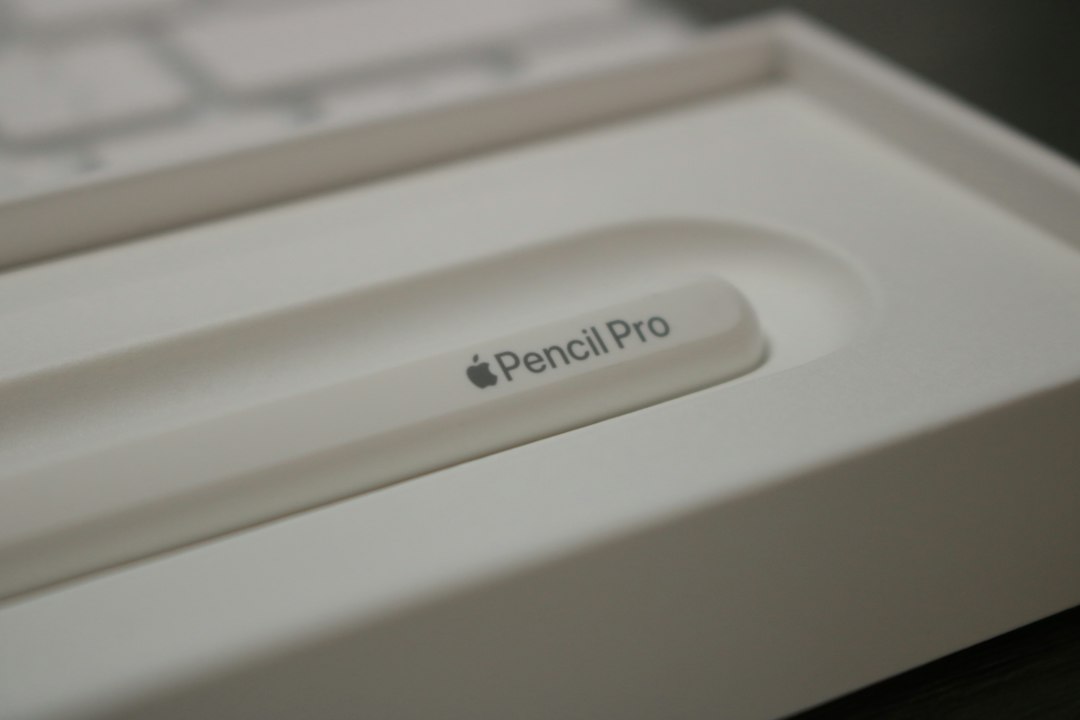
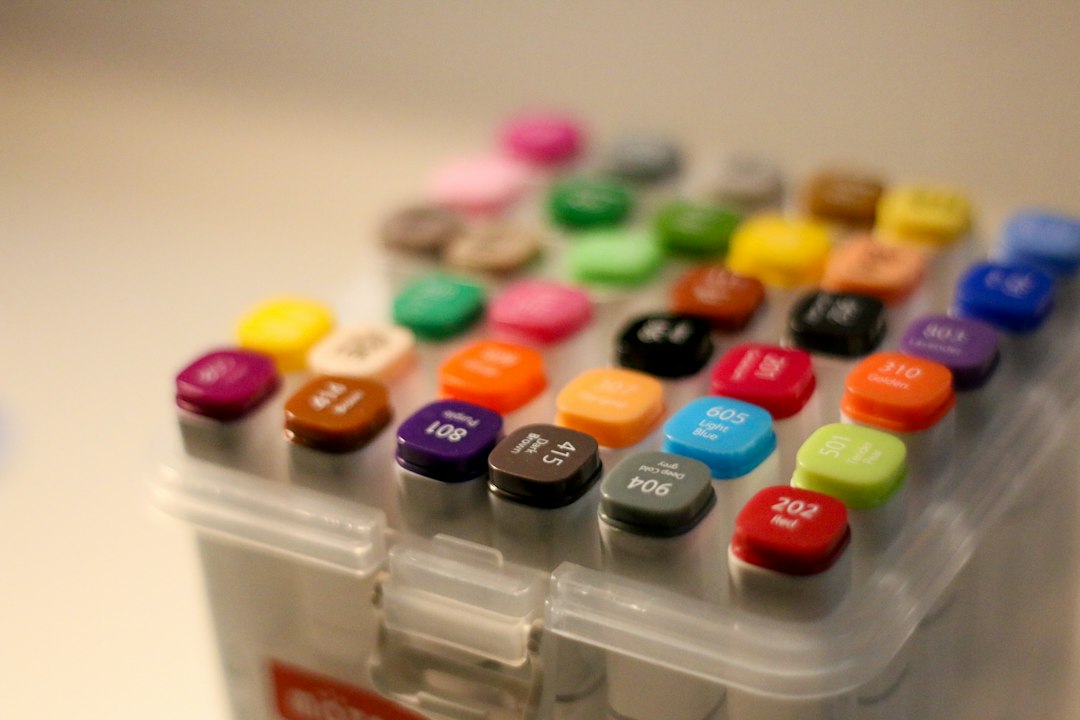
While digital tools dominate the graphic design landscape, traditional tools still hold a significant place in the hearts of many designers. Inspire Toolkit Pro recognizes this and offers a range of physical tools, including sketchbooks, markers, and drawing tablets. These tools are essential for brainstorming and sketching out ideas before moving to digital formats.
Using traditional tools can foster creativity and help designers think outside the box. Sketching ideas on paper can lead to unexpected breakthroughs that might not occur when working solely on a computer. By combining traditional and digital methods, designers can create a more holistic approach to their work, resulting in more innovative and compelling designs.
Step-by-step plan:
Step 1: Visit Inspire Toolkit Pro and explore the categories of graphic design tools available. Step 2: Identify the software that aligns with your design needs and goals. Step 3: Browse through the digital assets to find resources that can enhance your projects. Step 4: Consider incorporating traditional tools into your workflow for a balanced approach to creativity.